


Glowing IC Pad 3
Original price was: €314.00.€218.80Current price is: €218.80.
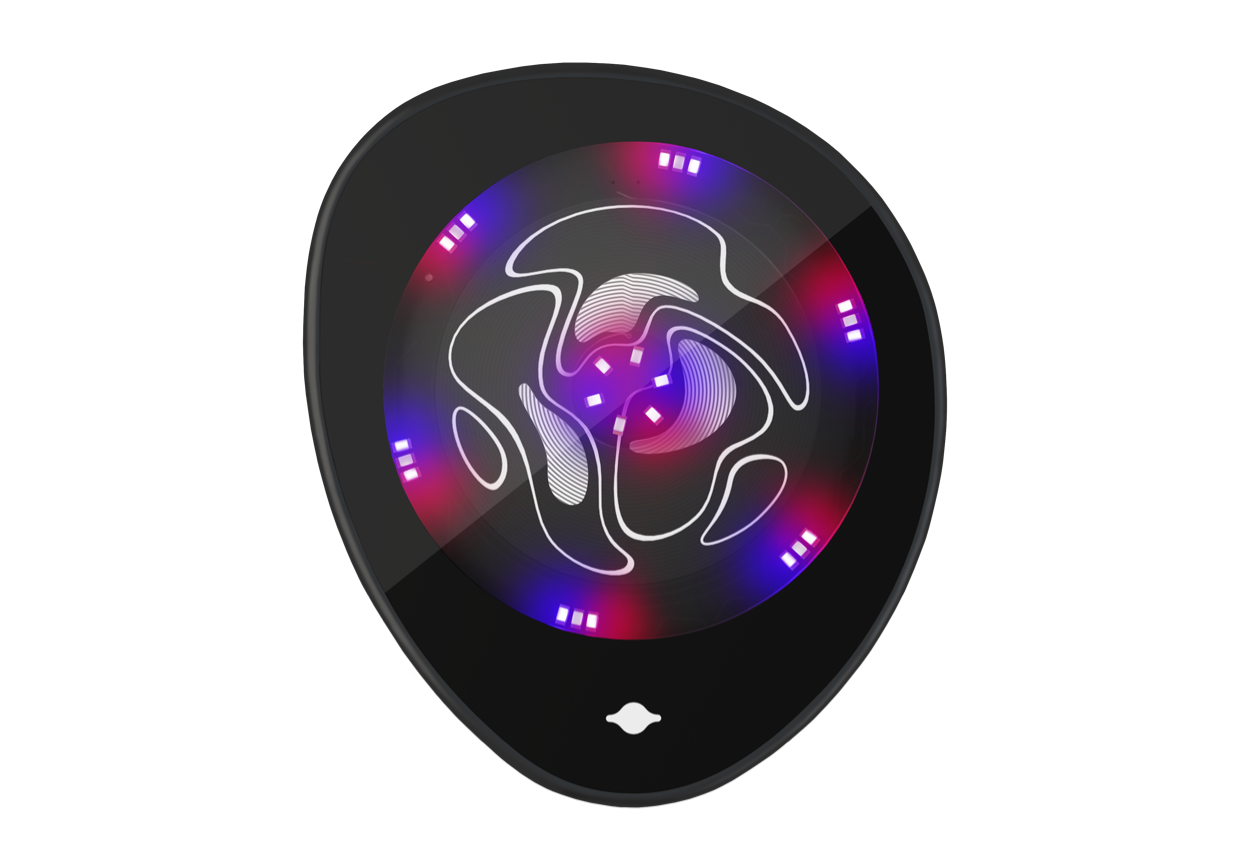
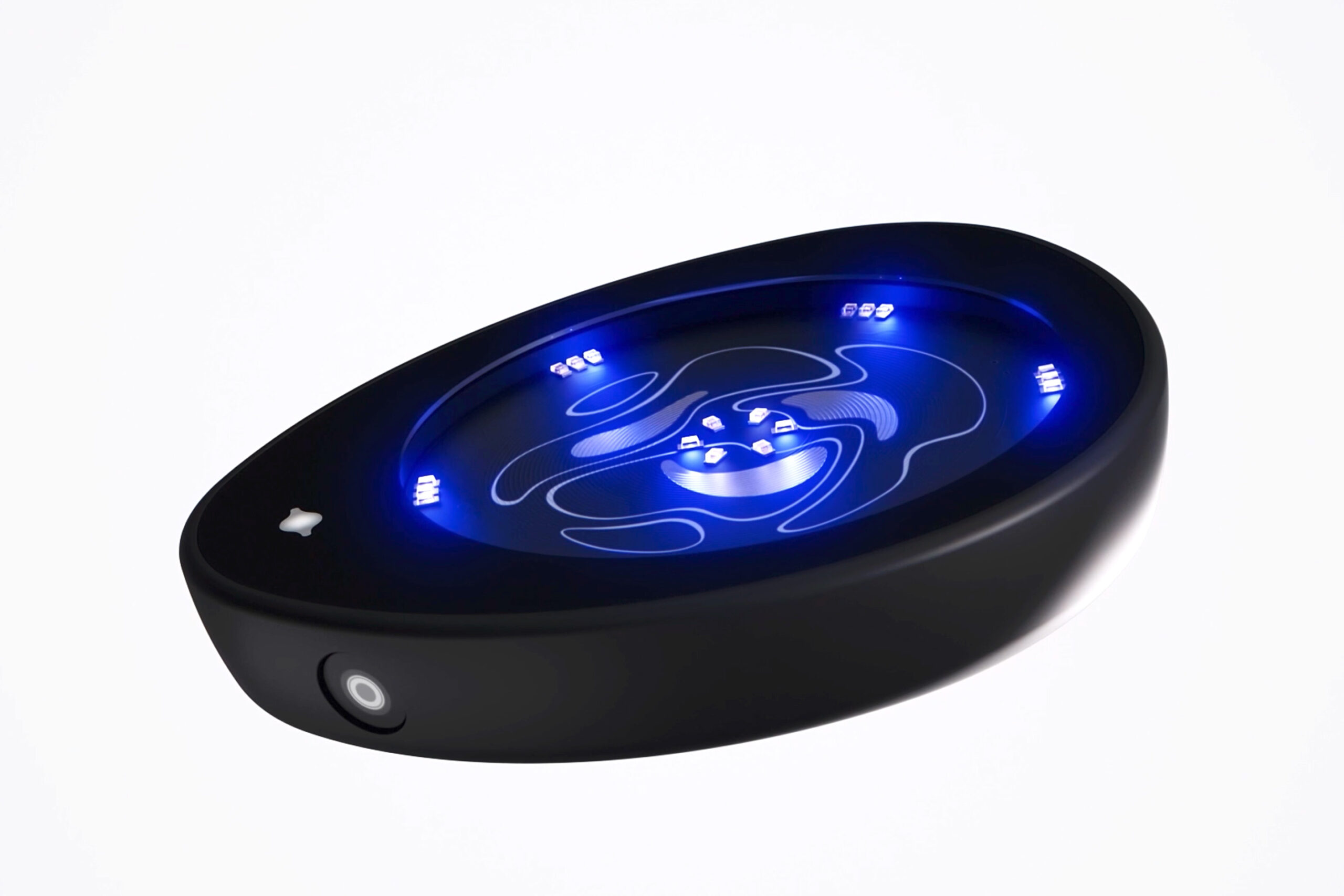
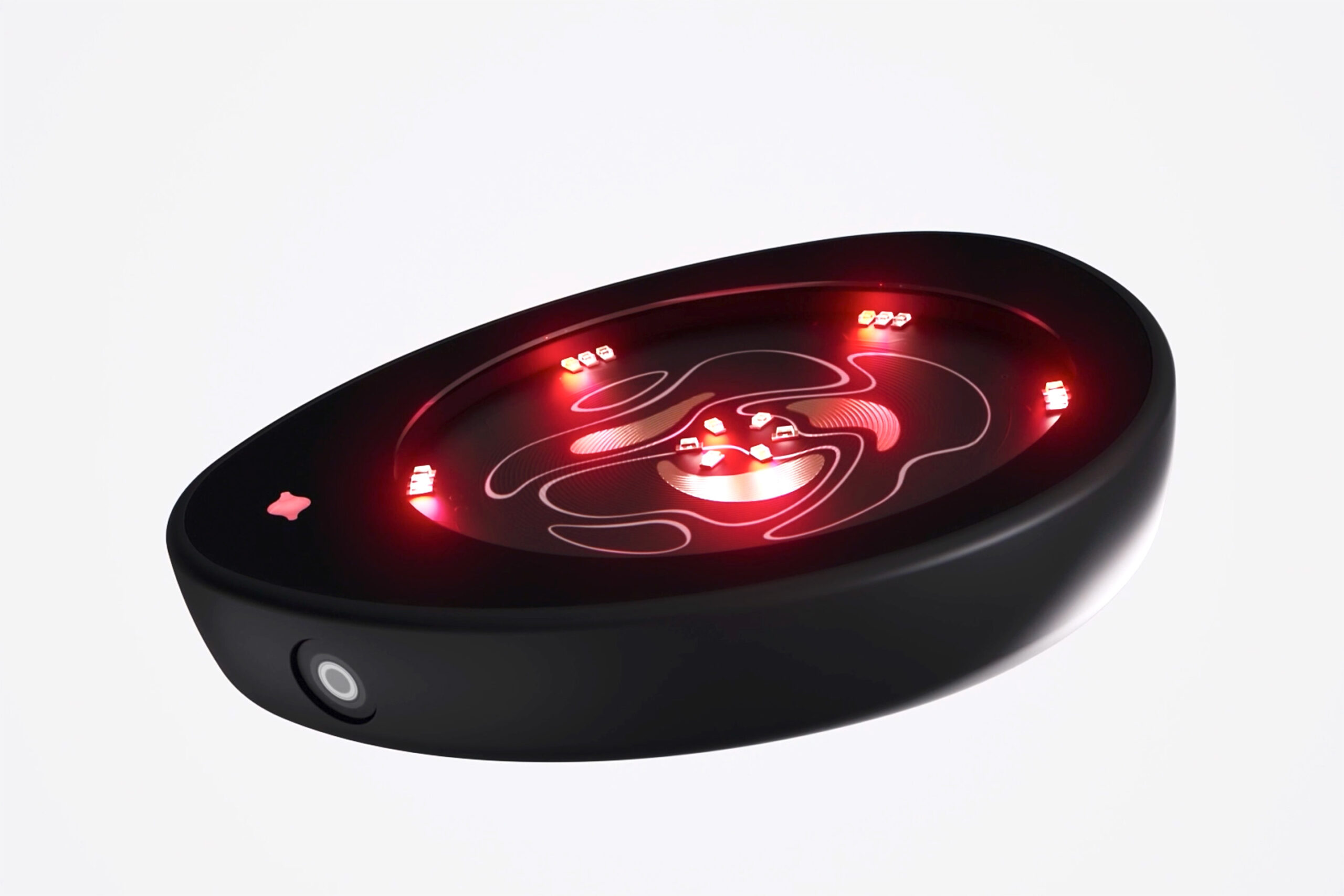
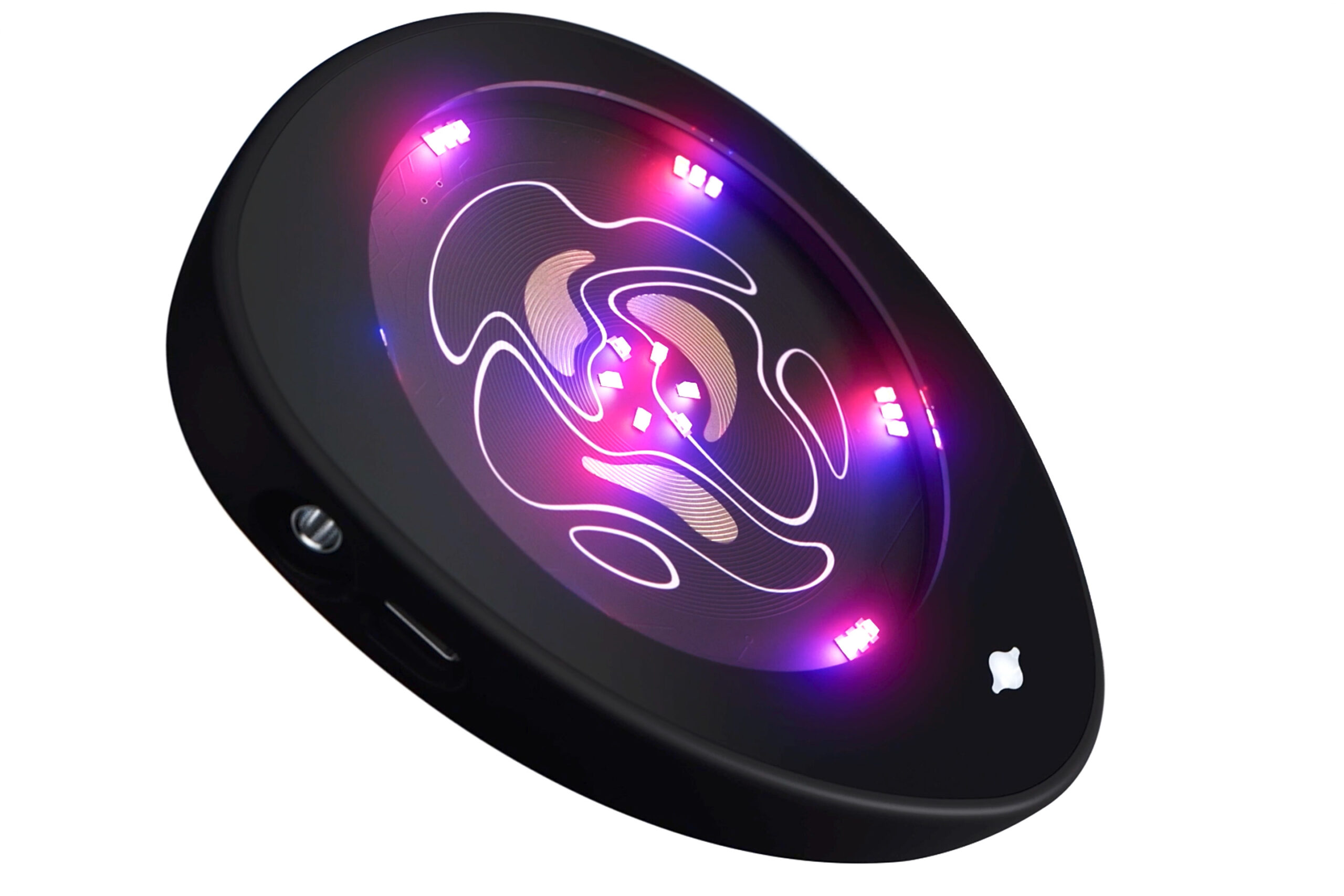
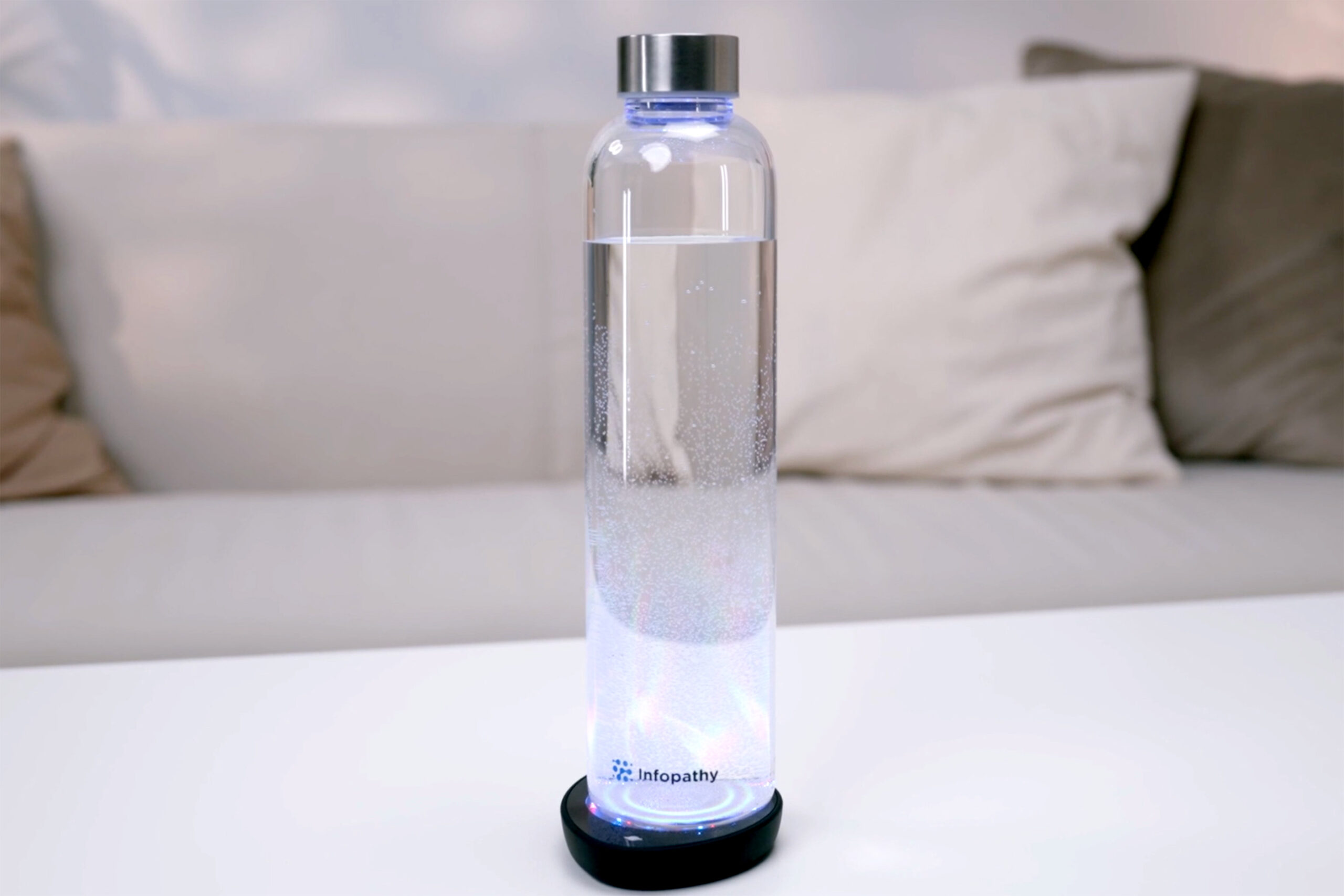
The Glowing IC Pad 3, designed for rapid and easy IC transfers, can prepare up to 2.0 liters of water in just 2 minutes. This versatile device offers the convenience of dual connectivity, supporting both Bluetooth and traditional cable options. It also features a tri-color light system comprising blue, red, and infrared lights, tailored for specific applications.
Description
The Glowing IC Pad 3, designed for rapid and easy IC transfers, can prepare up to 2.0 liters of water in just 2 minutes. This versatile device offers the convenience of dual connectivity, supporting both Bluetooth and traditional cable options. It also features a tri-color light system comprising blue, red, and infrared lights, tailored for specific applications.
Product Description
The Glowing IC Pad 3 combines innovation and efficiency into a single, powerful tool. This cutting-edge device, designed for the effective transfer of both Imprint and PEMF ICs, delivers a powerful output signal that ensures sessions are both deep and impactful. Key features include:
- Rapid Water Preparation: Prepare up to 2.0 liters of water in just 2 minutes.
- Flexible Connectivity Options: Choose between Bluetooth or cable connection.
- Easy Start-Up: Simply connect to any computer or smartphone, access your Infopathy account, and select the IC for transfer.
- Tri-Color Light System: Tailor your experience with blue, red, and infrared lights. Use them individually or combine them for maximum effect: Blue for imprinting, Red for direct body contact, and Infrared for both applications. Combine all three for stronger imprints.
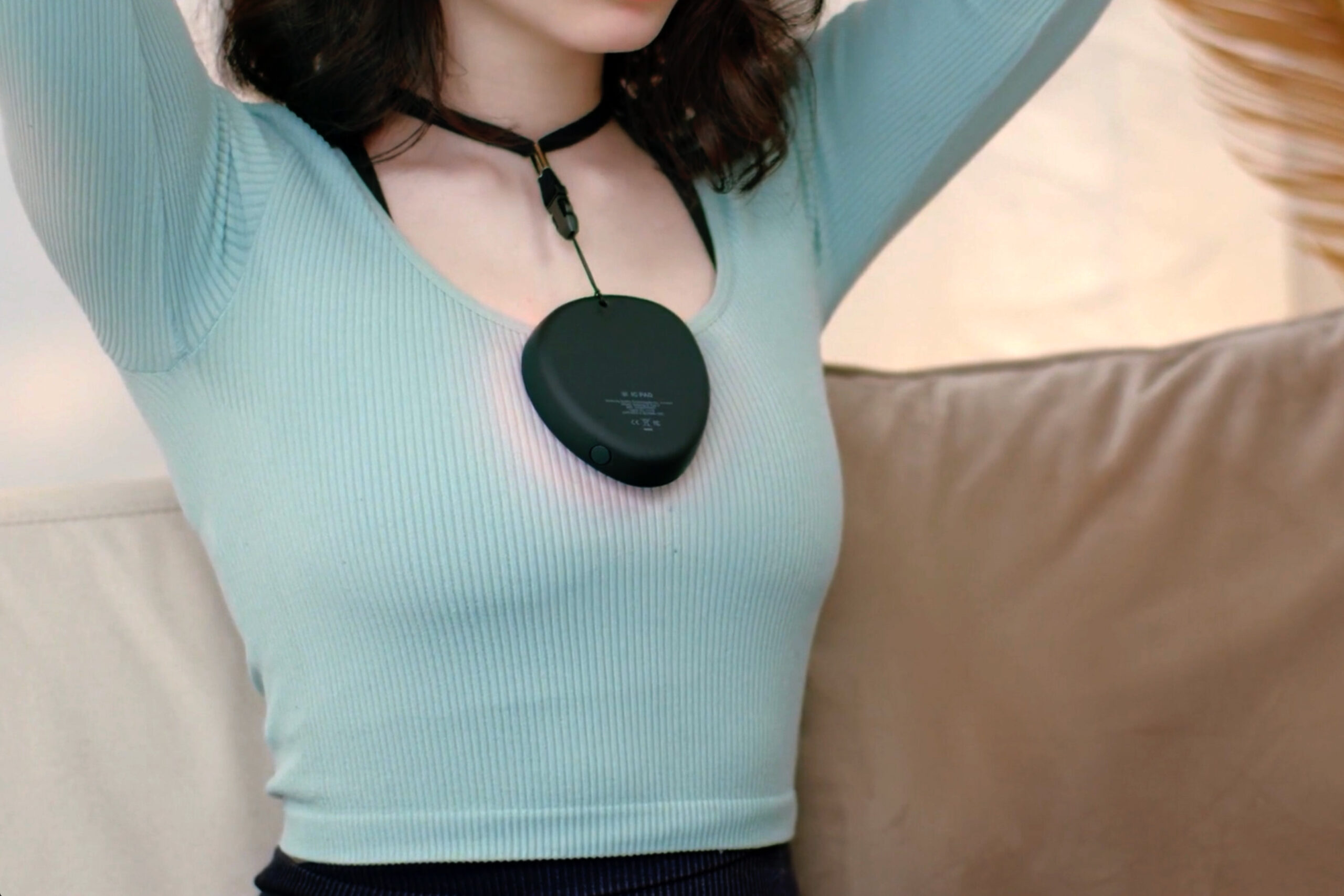
- Adjustable Lanyard Attachment: Enhances portability and ease of use, making direct body applications more convenient.
The Glowing IC Pad 3 is designed to fit seamlessly into your life, ensuring every session is as effective as it is enjoyable.
Glowing IC Pad 3
Audio cable
USB charging cable
Fabric pouch
Lanyard attachment
Tool to pull lanyard string through
Instructions to get started
LED Lights Caution: The Glowing IC Pad 3 is equipped with LED lights. It is crucial to avoid direct eye exposure to these lights as it may pose a risk to eye health.
Magnetic Field Warning: This device generates a magnetic field. It is important to note that this field can interfere with the functionality of certain medical devices. Individuals who have internal pacemakers, defibrillators, or insulin pumps are advised not to use the Glowing IC Pad 3 near the area of their implants.
Power On the Glowing IC Pad 3
To turn on the Glowing IC Pad 3, firmly press and hold the power button for 3 seconds. You will see a white light illuminate, indicating the device is on and ready for use.
Connect to Your Phone or Laptop/Computer
Wired Connection: Connect the audio cable to both the IC Pad and your device.
Wireless Connection: Go to your device’s Bluetooth settings and search for “Infopathy GlowPad”. Select it to pair. A confirmation with a blue light on the IC Pad signals a successful connection.
Selecting an IC
Visit our online catalog to browse a wide range of ICs tailored to your needs.
Using the Glowing IC Pad 3
For Water Imprinting: Place a water bottle or glass on the IC Pad.
For Direct Body Application: Hold the IC Pad against the area of your body you wish to target.
Press the ‘Start transfer’ button to start the process. If connected via audio cable, ensure your device’s volume is set to maximum.
Understanding Light Modes
Blue Light: Ideal for water imprinting.
Red Light: Best for direct body contact.
Infrared Light: Suitable for both applications and can be combined with blue and red for enhanced effects.
Battery Charging
A flashing red light every 5 seconds is a low battery indicator (below 10%). Recharge using a USB-C cable until the red light turns off, signifying a full charge.
Turning off the Glowing IC Pad 3
To power down the Glowing IC Pad 3, press and hold the power button until the light turns off. The device also automatically shuts down after 10 minutes of inactivity to conserve battery.
Frequently Asked Questions
Which light mode should I choose?
The Glowing IC Pad 3 is equipped with four versatile light modes, each designed to cater to specific needs and preferences:
- Blue + Red + Infrared Mode: This mode is optimal for enhanced imprinting processes, combining the benefits of blue, red, and infrared light to support intricate imprinting tasks with its multifaceted light spectrum.
- Red + Infrared Mode: Tailored for direct application on the body, this combination leverages the deep-penetrating properties of infrared light with the revitalizing energy of red light to offer a focused approach to bodily applications.
- Blue + Infrared Mode: Designed for regular strength imprinting, this setting merges the stimulating effects of blue light with the invisible power of infrared light, creating a balanced and effective imprinting experience.
- Infrared Only Mode: Given that infrared light is invisible to the naked eye, selecting this mode is ideal for discreet imprinting activities, such as charging water, in environments where darkness is preferred or necessary. This mode ensures a light-free environment, allowing for uninterrupted operation in dark settings.
Is it possible to use the Glowing IC Pad while it’s charging?
Does the Glowing IC Pad make noise during IC transfer?
Are there any benefits to applying blue light directly to the body?
- Acne Treatment: Blue light may help control acne breakouts.
- Improved Skin Texture: Regular use of blue light therapy may help improve the texture and overall appearance of the skin by stimulating the underlying tissues.
- Regulation of Circadian Rhythms: Exposure to blue light, especially during the day, may help regulate natural circadian rhythms, potentially improving sleep and mood.
- Anti-inflammatory Effects: Blue light may have anti-inflammatory properties, which may be beneficial in treating other skin conditions that involve inflammation.
- Mood Enhancement: Exposure to certain wavelengths of blue light has been reported to enhance mood and could provide a psychological boost.
What volume level should I set for my phone or laptop during transfer?
When is the best time to charge the battery for the Glowing IC Pad?
What if GlowPad 3 is not glowing on MacBook/PC when connected with audio cable or Bluettoth?
- MacBook/iMac and Bluetooth connection.
After you connect GlowPad 3 to your Mac computer via Bluetooth and it is not glowing during transfer, please go to Settings -> Sound -> Output tab and select “Infopathy GlowPad“. Also please make sure the audio volume is notzero.

2. MacBook/iMac and Cable connection.
Is it normal if some LEDs are not glowing?
How long does it take to fully charge the Glowing IC Pad?
If using the red and infrared lights, is there a time limit on how long they can be used directly on the body in a day?
Approximately how many hours of usage is expected after a full battery charge for the Glowing IC Pad 3?
Can I fully disable the Bluetooth module of the Glowing IC Pad 3?
Is it safe to put the Glowing IC Pad 3 directly on the skin?
Bluetooth stopped connecting (or working) on the GlowPad 3. How can I fix it?
You may have turned off Bluetooth on the GlowPad 3. You can watch this short video to learn how to turn it back on:
Or follow these steps:
- Turn on the IC Pad.
- Press and hold the button for about 10 seconds (keep holding even when the white light goes off).
- After 10 seconds, the indicator light will flash red. You can then release the button, and the device will turn off.
- Turn the device back on and try to connect it to your phone/tablet.
Please ensure the audio volume is set to maximum after starting the transfer.
Related products
-
- Sale!
- Beauty Bio Net, Creation, HLS Equipment, Human Light System, New on GDVPLANET, Translighters Ecosystem, Yoga
Adaptogen
- Original price was: €248.00.€198.00Current price is: €198.00.
- Add to cart



Reviews
There are no reviews yet.